Create beautiful videosto promote your product
Use a simple product screenshot, or screen recording, and SuperMotion will turn it into a beautiful product video.
Trusted by creators, founders, designers.






Everything You Need!
Powerful features that make your videos stand out.
No design skills required.
Zoom Into What Matters
Add smooth zoom and 3D tilt animations to highlight key features. Guide your viewer's attention exactly where it needs to be.
Guide viewer attention naturally
20+ smooth easing options
No video editing skills needed
Device Mockups Instantly
Wrap your screenshots and recordings in beautiful device frames. Safari, Chrome, iPhone, and more.
Browser & device frames included
Light and dark themes
Custom URL in address bar
Tell a Complete Story
Combine multiple clips into one polished video. Add smooth transitions between scenes for a professional narrative flow.
Multiple scenes per video
Drag to reorder instantly
Smooth scene transitions
Easy Video Annotation
Add animated text callouts and arrows to highlight features. Your viewers will understand instantly.
Animated text effects
Arrows & shape overlays
Perfect for silent autoplay
Beautiful Templates
Hand-crafted templates for X (former Twitter), Dribbble mockup shots, product demos, and newsletters.
Unique Features
The easiest way to create beautiful product videos from images & screen-recordings.
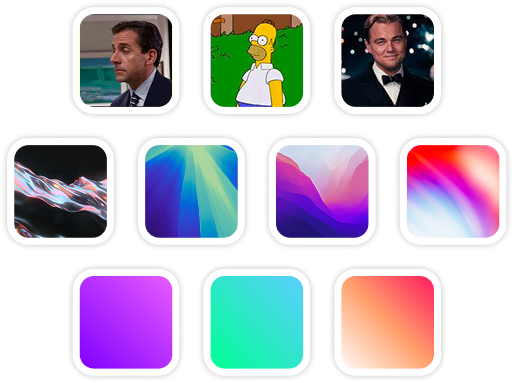
Custom Backgrounds
Use solid colors, gradients, images, even GIFs for your video background.
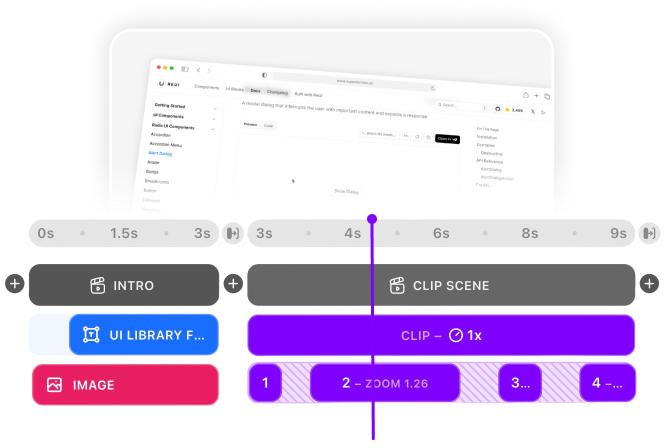
Multi-Scene Editing
Combine multiple clips and scenes with smooth transitions into one polished video.
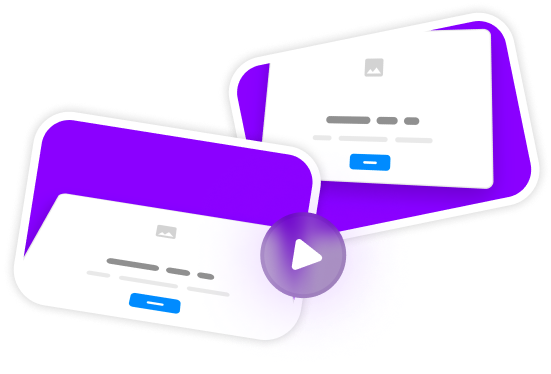
Pre-made Templates
Ready-to-use templates to create professional-looking videos in seconds.
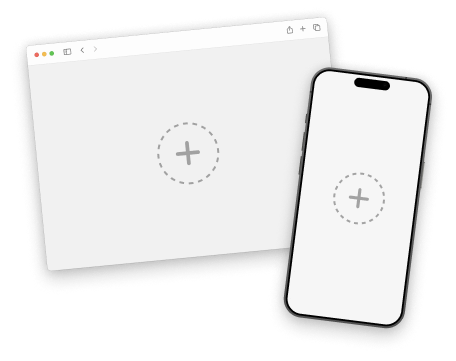
Device Mockups
Wrap your images with device mockups like the Safari Browser & iPhone.
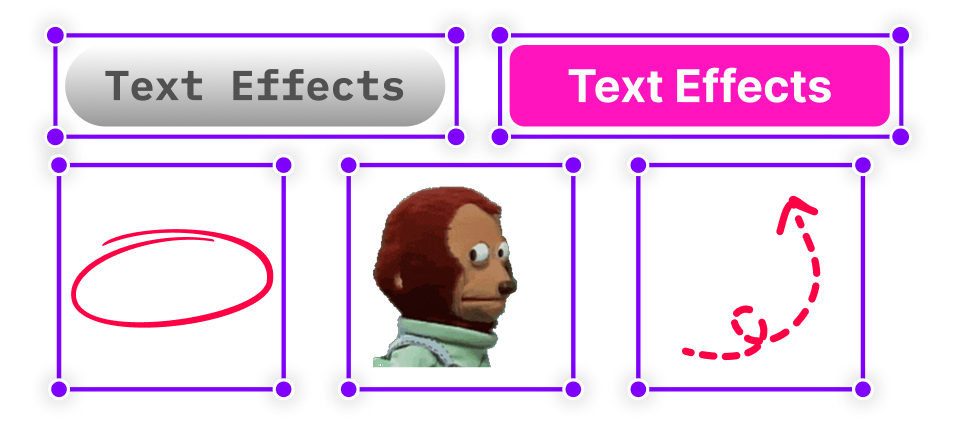
Annotation Layers
Add text, shapes, stickers, and more to highlight key parts of your video.
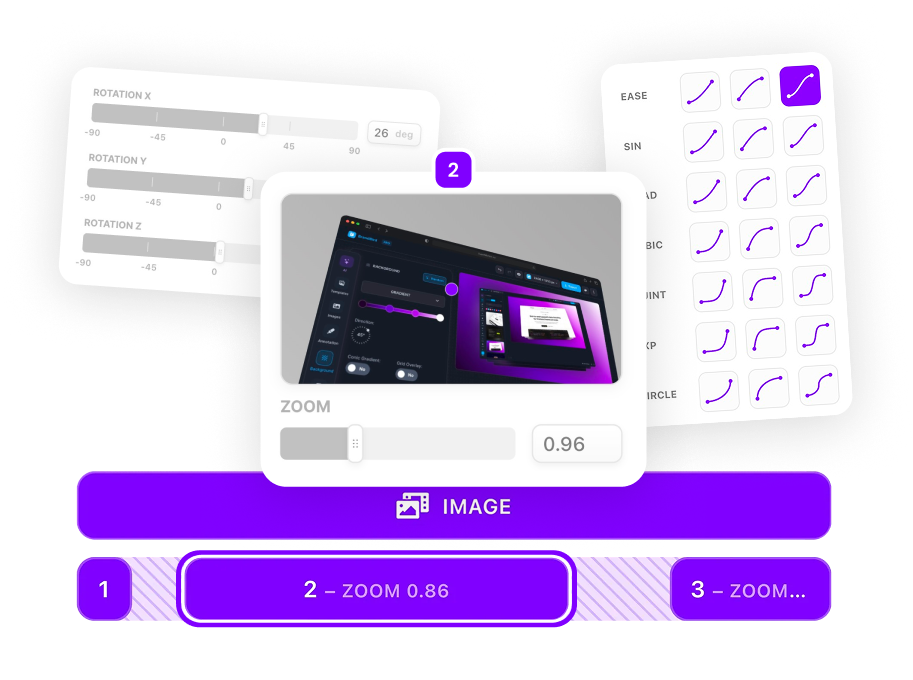
Zoom & Keyframe Animations
Add smooth zoom and pan effects to highlight key features in your screen recordings.
A Better Way...
To promote your product & portfolio with videos.
Quicker, and cheaper.
After Effects
Chaotic interface.
Costs real money $240/year.
Needs time to master.

ScreenFlow
Powerful but complex.
$169 + upgrades.
Needs time to master.
Canva
Only for simple stuff.
$120/year subscription.
Lacks many features.
Hire freelancer
Unreliable result.
Start at $200/video.
Communication issues.

SuperMotion
Powerful user-friendly web app.
No hidden fees. Pay $79 once.
Create a video in a minute.
Made by a human .
.
Simple Pricing
No subscription, no worries. Just a simple one-time fee.
Loved ByCreators & Founders
.png)
As Seen On