Create Feature Launch Videos for SaaS
Announce new features with polished videos that excite users and drive adoption.
How It Works
Record your new feature
Capture a screen recording showcasing the new functionality.
Add compelling intro
Create an intro scene with your feature name and benefit statement.
Highlight key moments
Use zoom animations, text callouts, and arrows to emphasize value.
Celebrate with effects
Add confetti or celebration effects to create excitement.
Beautiful Templates
Hand-crafted templates for X (former Twitter), Dribbble mockup shots, product demos, and newsletters.
Unique Features
The easiest way to create beautiful product videos from images & screen-recordings.
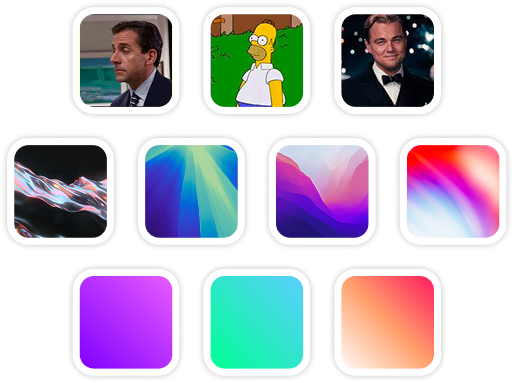
Custom Backgrounds
Use solid colors, gradients, images, even GIFs for your video background.
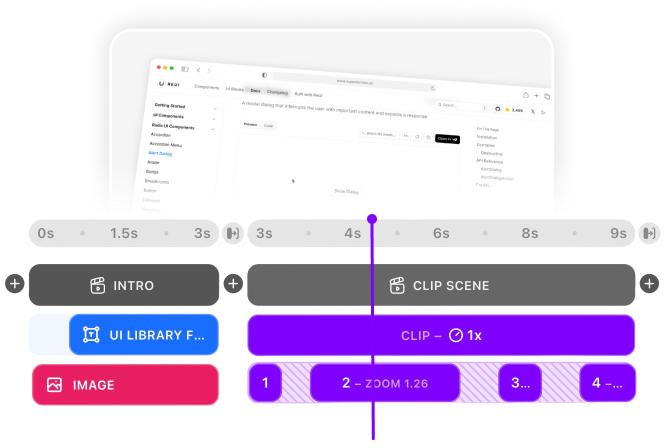
Multi-Scene Editing
Combine multiple clips and scenes with smooth transitions into one polished video.
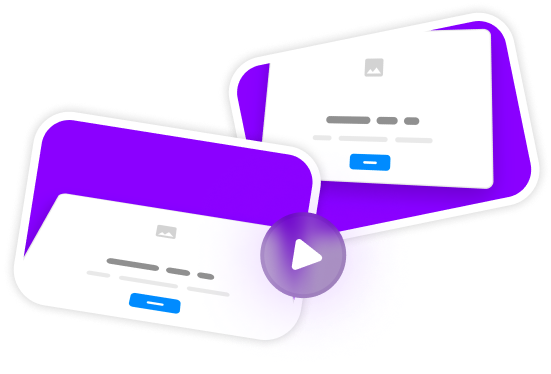
Pre-made Templates
Ready-to-use templates to create professional-looking videos in seconds.
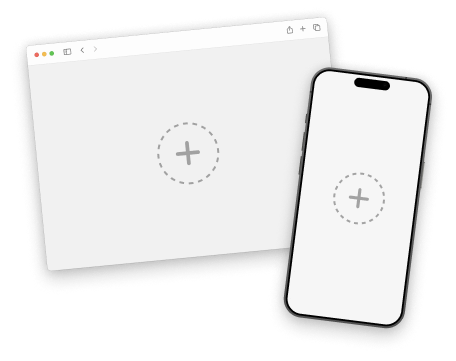
Device Mockups
Wrap your images with device mockups like the Safari Browser & iPhone.
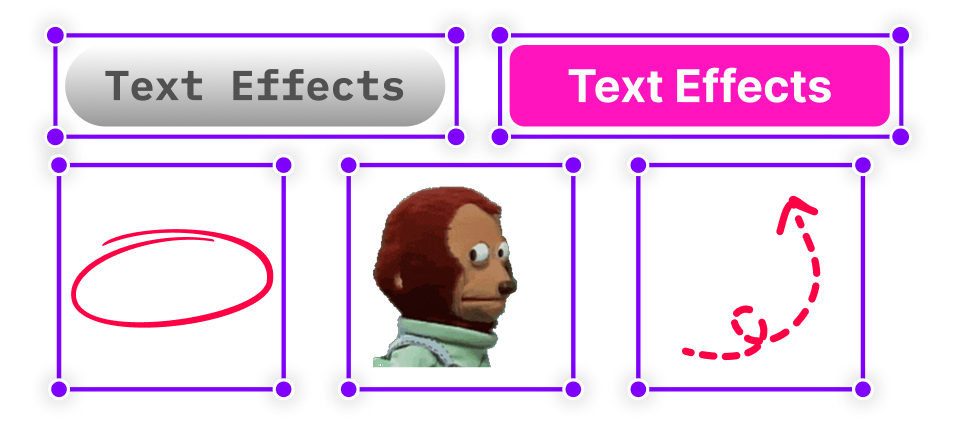
Annotation Layers
Add text, shapes, stickers, and more to highlight key parts of your video.
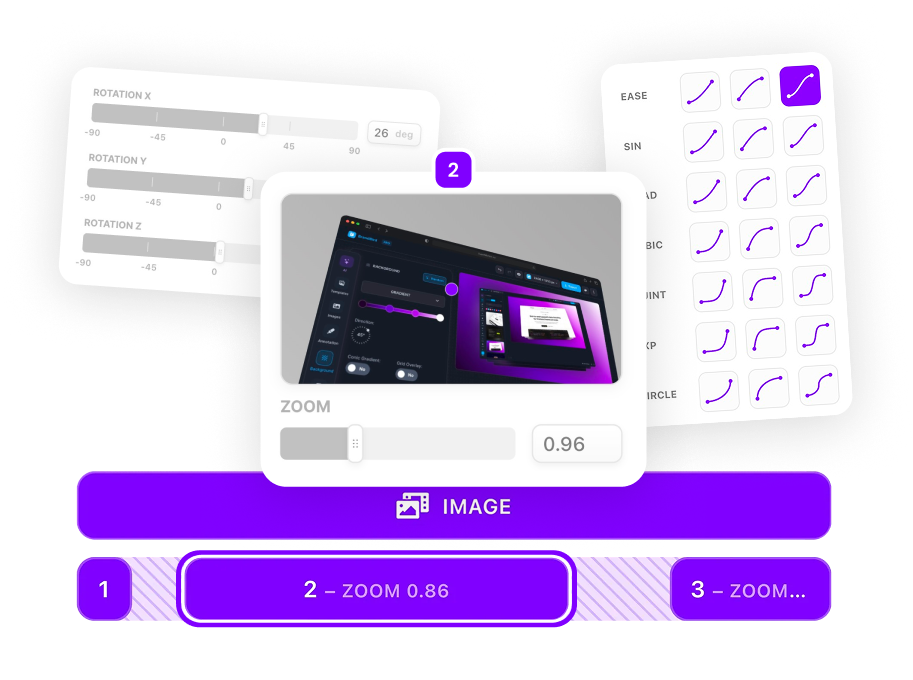
Zoom & Keyframe Animations
Add smooth zoom and pan effects to highlight key features in your screen recordings.
Frequently Asked Questions
How do I create multi-scene launch videos?
SuperMotion's timeline supports multiple scenes with smooth transitions. Create intro, demo, and outro scenes that flow seamlessly together.
Can I add celebration effects?
Yes! Add confetti explosions, emoji reactions, and animated stickers to create excitement around your feature launch.
What transitions work best for launches?
Fade and slide transitions work great for professional launches. Scale transitions add energy for more exciting announcements.
How do I announce features in my SaaS product?
Create a video showing the problem, then the solution. Use a text intro scene with the feature name, transition to your demo with zoom highlights on key UI, and end with availability info and CTA.
Should I show before and after in feature videos?
Yes! Before/after comparisons are powerful. Use scenes to show the old workflow, then transition to the new improved experience. This clearly demonstrates the value of your update.
How long should a feature launch video be?
30-60 seconds for social media teasers. 1-2 minutes for detailed walkthroughs. Create both! Use SuperMotion scenes to build a full video, then export shorter clips for different channels.
Can I create launch videos for email campaigns?
Absolutely! Export as MP4 or create a GIF preview. Many email clients support embedded video. Include a thumbnail with play button that links to the full video on your site or YouTube.
How do indie hackers create professional launch videos?
SuperMotion is built for solo founders. No video editing experience needed—record your screen, add a mockup and background, highlight features with zoom and text, export. Professional results in minutes.
.png)