Create App Store Preview Videos
Build stunning preview videos with device mockups—perfect for App Store and Play Store.
How It Works
Record your app demo
Capture your mobile app's key features and user flows.
Add device mockup
Wrap your recording in an iPhone or custom device frame.
Create intro/outro scenes
Add branded scenes to introduce your app and include a call-to-action.
Export in App Store dimensions
Render in the exact specifications required by app stores.
Beautiful Templates
Hand-crafted templates for X (former Twitter), Dribbble mockup shots, product demos, and newsletters.
Unique Features
The easiest way to create beautiful product videos from images & screen-recordings.
Custom Backgrounds
Use solid colors, gradients, images, even GIFs for your video background.
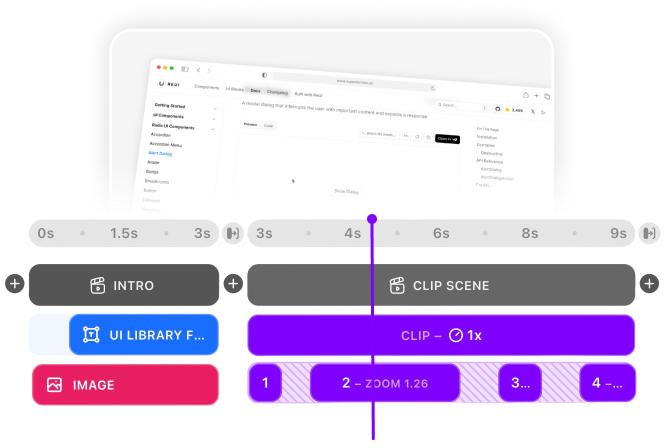
Multi-Scene Editing
Combine multiple clips and scenes with smooth transitions into one polished video.
Pre-made Templates
Ready-to-use templates to create professional-looking videos in seconds.
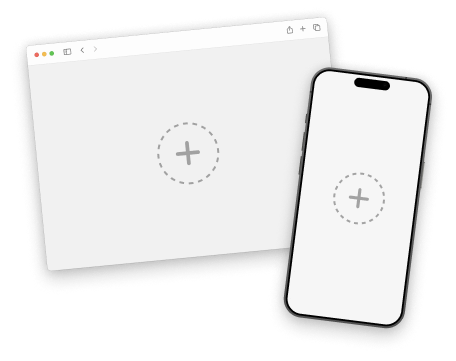
Device Mockups
Wrap your images with device mockups like the Safari Browser & iPhone.
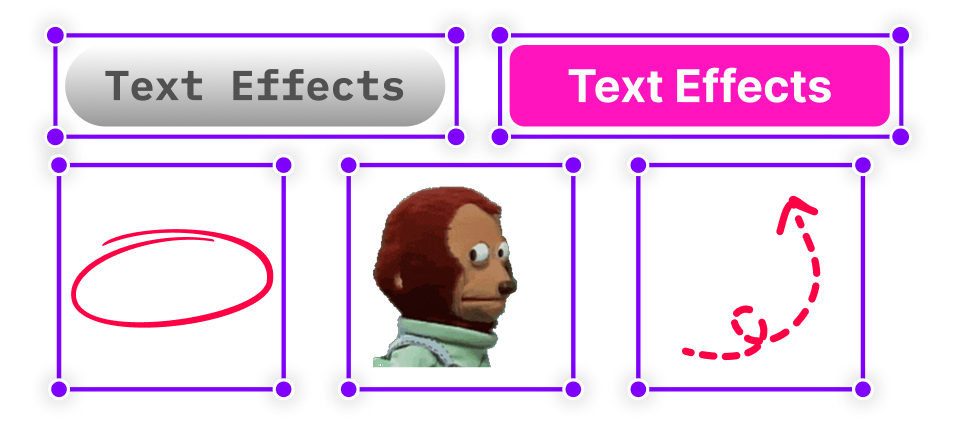
Annotation Layers
Add text, shapes, stickers, and more to highlight key parts of your video.
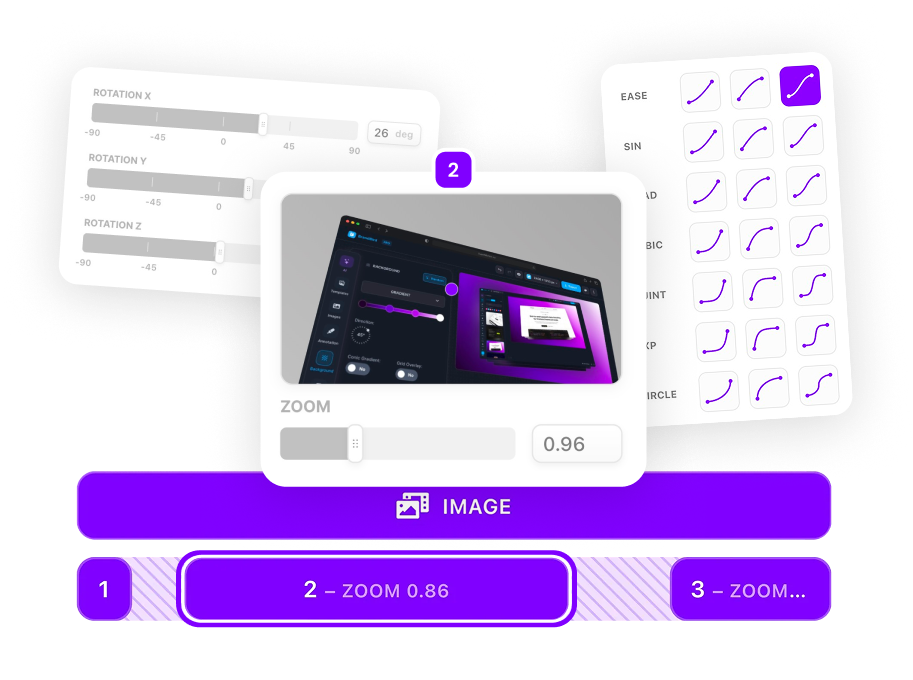
Zoom & Keyframe Animations
Add smooth zoom and pan effects to highlight key features in your screen recordings.
Frequently Asked Questions
What device mockups are available?
SuperMotion includes iPhone mockups and custom device frames. More device options are being added regularly.
What are App Store video requirements?
App Store preview videos should be 15-30 seconds, in portrait orientation (1080x1920 or 886x1920 depending on device). SuperMotion has presets for these exact dimensions.
Can I add app store badges?
Yes! Add 'Download on App Store' or 'Get it on Google Play' badges as image layers in your video.
How do I create iOS app preview videos?
Record your app using iOS screen recording or a simulator. Import to SuperMotion, add an iPhone mockup frame, enhance with text callouts, and export in App Store dimensions (1080x1920).
What makes a good App Store preview video?
Show your app's core value in the first 5 seconds. Highlight 3-5 key features max. Use text overlays since App Store videos autoplay without sound. Keep it under 30 seconds.
Can I create Google Play Store videos too?
Yes! Google Play supports promotional videos via YouTube links. Create horizontal (16:9) videos showcasing your app with device mockups. SuperMotion exports YouTube-ready MP4s.
Should I show the actual app or use mockups?
Use both strategically. Show the actual app UI for feature demos, but wrap it in a device mockup for intro and outro scenes. This provides context while keeping focus on your app's interface.
How do I handle different iOS device sizes?
Apple requires different video dimensions for each device class. Create your master video in SuperMotion, then export multiple versions using the dimension presets for iPhone, iPad, etc.
.png)