Create Multi-Scene Tutorial Videos
Build structured tutorials with scenes and transitions—perfect for step-by-step guides.
How It Works
Create an intro scene
Start with a branded intro. Add your logo, title, and hook to grab attention.
Add your demo scenes
Create separate scenes for each feature or step you want to showcase.
Build your outro
End with a call-to-action scene. Include your website, social links, or next steps.
Connect with transitions
Add smooth fade or slide transitions between scenes for a polished flow.
Beautiful Templates
Hand-crafted templates for X (former Twitter), Dribbble mockup shots, product demos, and newsletters.
Unique Features
The easiest way to create beautiful product videos from images & screen-recordings.
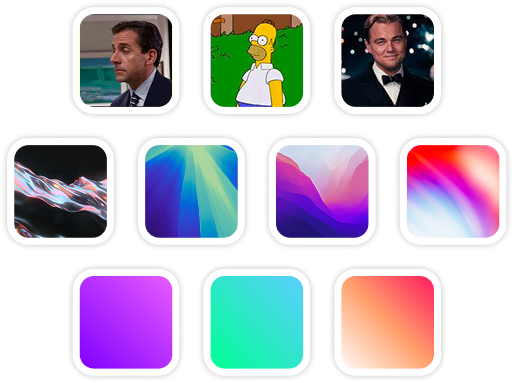
Custom Backgrounds
Use solid colors, gradients, images, even GIFs for your video background.
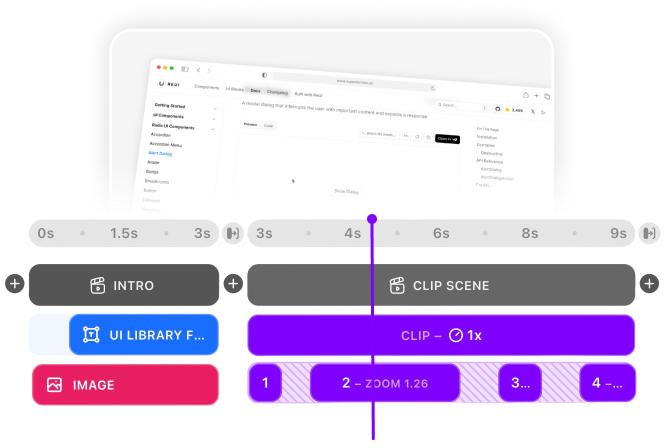
Multi-Scene Editing
Combine multiple clips and scenes with smooth transitions into one polished video.

Pre-made Templates
Ready-to-use templates to create professional-looking videos in seconds.
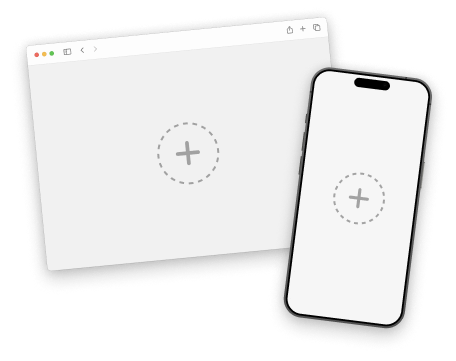
Device Mockups
Wrap your images with device mockups like the Safari Browser & iPhone.
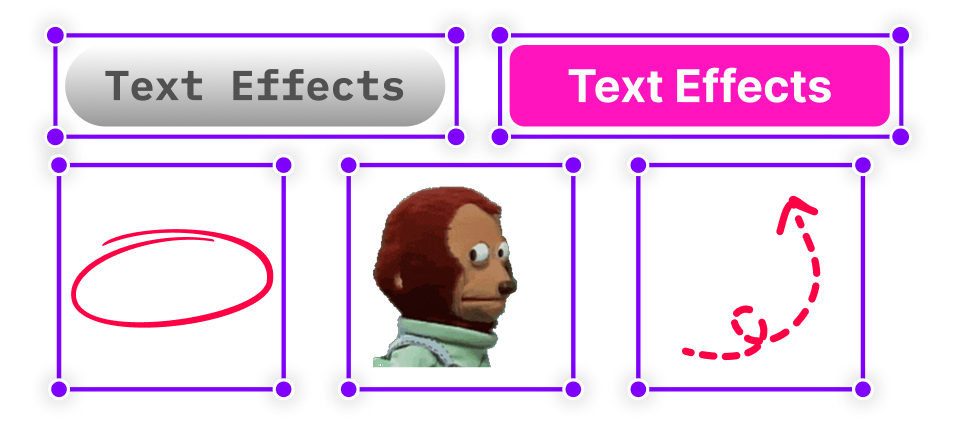
Annotation Layers
Add text, shapes, stickers, and more to highlight key parts of your video.
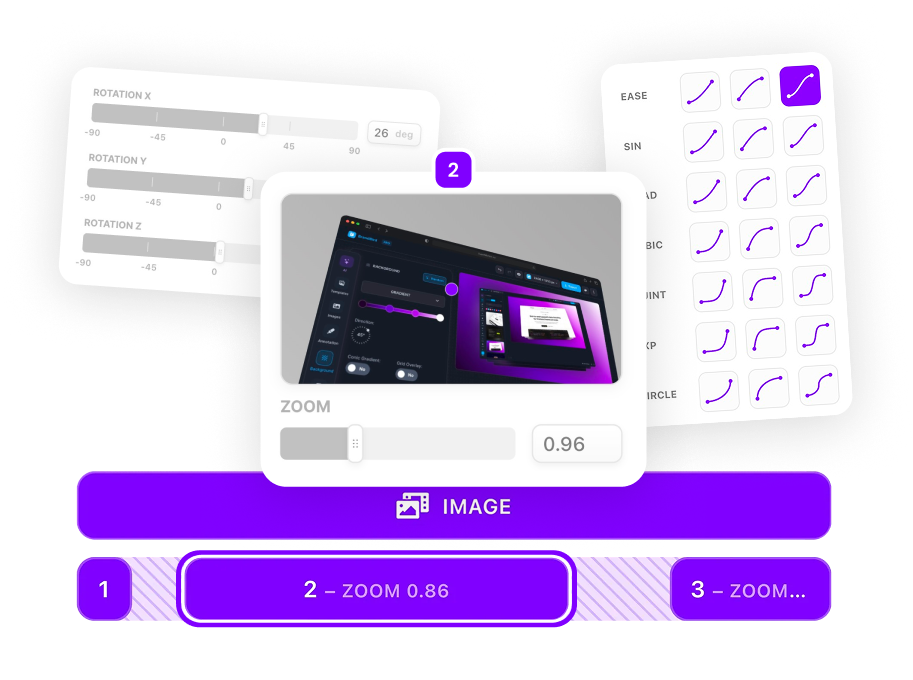
Zoom & Keyframe Animations
Add smooth zoom and pan effects to highlight key features in your screen recordings.
Frequently Asked Questions
How many scenes can I have?
SuperMotion supports unlimited scenes. Create as many steps as your tutorial needs—the timeline handles them all.
What transitions work best for tutorials?
Fade transitions are clean and professional for educational content. Slide transitions work well when showing sequential steps in a process.
Can I reorder scenes easily?
Yes! Simply drag scenes in the timeline to reorder them. You can also duplicate scenes to reuse layouts.
How do I create an intro scene for my tutorial?
Add a new scene, set a branded background (gradient or solid color), add your video title as a text layer with animation, include a subtitle or hook, and set scene duration to 3-5 seconds.
Can I add chapter markers to my tutorial?
Use scene titles and text overlays to create visual chapter breaks. For YouTube, note scene timestamps in your description. SuperMotion's scene system makes organizing chapters intuitive.
How do I create step-by-step tutorial videos?
Create a scene for each step. Add a step number text layer (e.g., 'Step 1'), your screen recording, zoom into relevant UI, and add text callouts. Use consistent transitions between steps.
What's the best structure for tutorial videos?
Intro scene (hook + title) → Overview of what you'll learn → Step-by-step scenes → Summary/recap scene → CTA outro. SuperMotion's scene system makes this structure easy to implement and modify.
Can I create course content with SuperMotion?
Yes! Many creators use SuperMotion for course modules. Create polished, professional lessons with consistent branding. Export individual scenes as separate videos or the full sequence as one file.
.png)