Add Text Annotations to Product Demo Videos
Highlight key features with professional text callouts—no video editing skills required.
How It Works
Upload your screen recording
Drag & drop your product demo video or screenshot into SuperMotion.
Add text layers
Click the '+' button and choose Text to add annotations anywhere on screen.
Position & time your text
Drag to position, adjust start/end timing on the timeline for perfect sync.
Export & share
Export your annotated video in HD and share it anywhere.
Beautiful Templates
Hand-crafted templates for X (former Twitter), Dribbble mockup shots, product demos, and newsletters.
Unique Features
The easiest way to create beautiful product videos from images & screen-recordings.
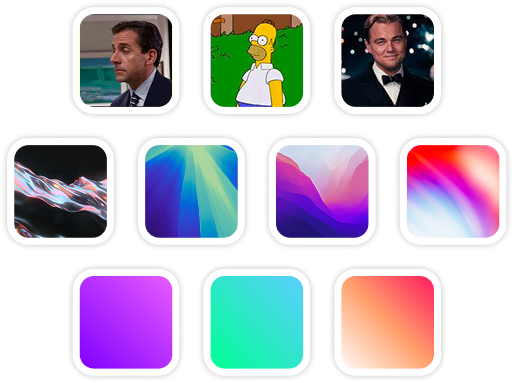
Custom Backgrounds
Use solid colors, gradients, images, even GIFs for your video background.
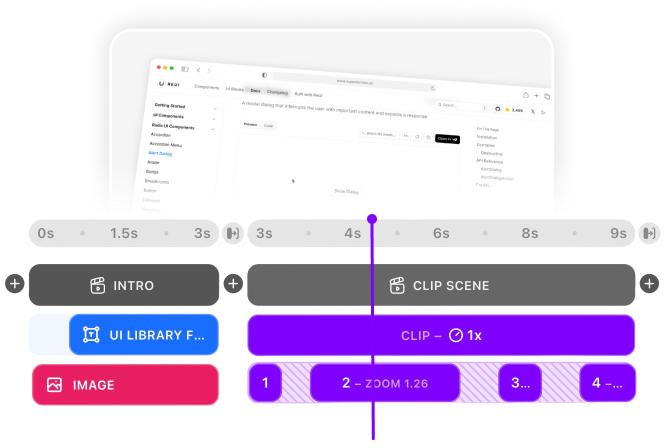
Multi-Scene Editing
Combine multiple clips and scenes with smooth transitions into one polished video.
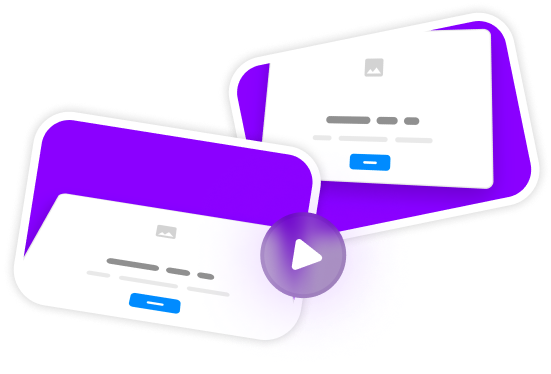
Pre-made Templates
Ready-to-use templates to create professional-looking videos in seconds.
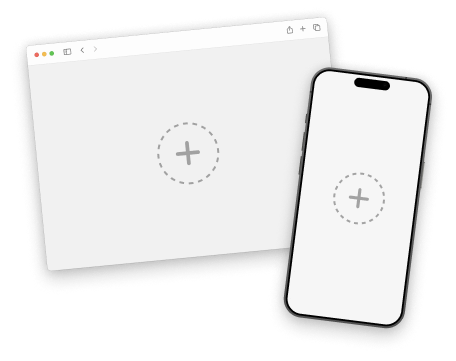
Device Mockups
Wrap your images with device mockups like the Safari Browser & iPhone.
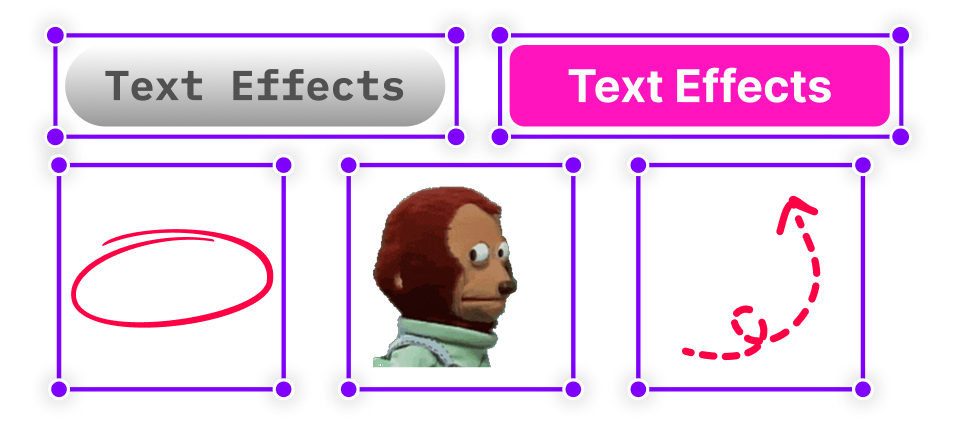
Annotation Layers
Add text, shapes, stickers, and more to highlight key parts of your video.
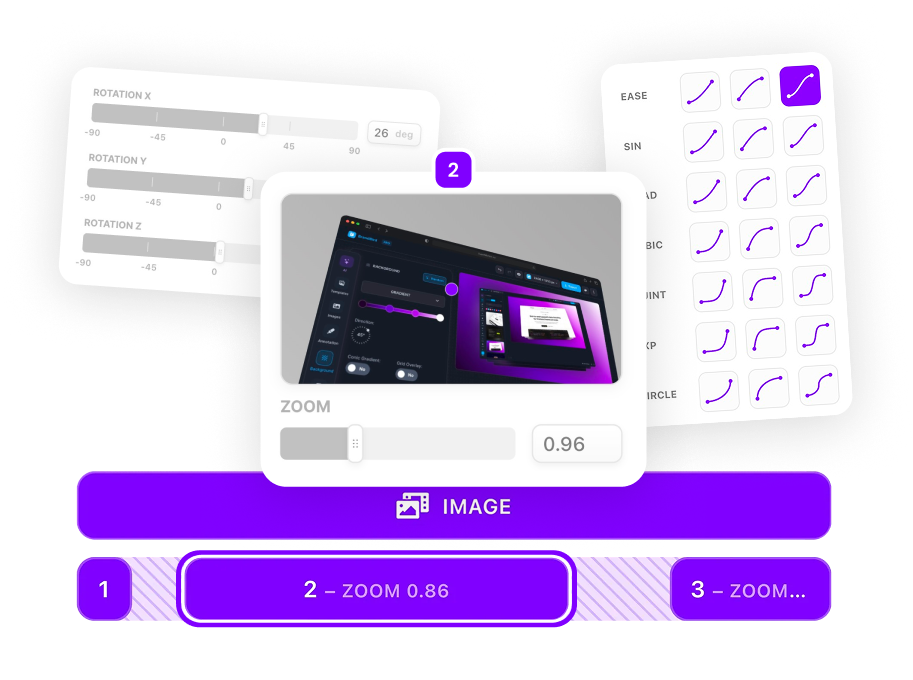
Zoom & Keyframe Animations
Add smooth zoom and pan effects to highlight key features in your screen recordings.
Frequently Asked Questions
Can I animate the text annotations?
Yes! SuperMotion offers multiple text animations including fade, scale, slide, and typewriter effects. You can customize the timing and easing for each animation.
What fonts are available?
SuperMotion includes 100+ Google Fonts built-in. You can choose from popular options like Inter, Roboto, Open Sans, and many more.
Can I save text styles for reuse?
Absolutely! Save your favorite text styles as presets to maintain consistent branding across all your videos.
How do I add captions or subtitles to my demo video?
Add text layers and time them to appear with your narration or key moments. Position them at the bottom of the frame and style with a semi-transparent background for readability.
Can I create lower thirds for my product videos?
Yes! Use text layers with custom positioning and animations to create professional lower thirds. Add speaker names, feature labels, or step numbers that animate in smoothly.
What's the best way to highlight features with text?
Combine text annotations with zoom animations—zoom into a feature, then add a text callout explaining what it does. This guides viewer attention and provides context simultaneously.
.png)