Changelog Videos for your SaaS Product
Transform release notes into engaging videos—show users what's new, don't just tell them.
How It Works
Record each new feature
Capture quick screen recordings of your updates in action.
Create scene per feature
Organize updates into separate scenes with clear titles.
Add feature labels
Overlay text with feature names and brief descriptions.
Connect with transitions
Use smooth transitions to flow between changelog items.
Beautiful Templates
Hand-crafted templates for X (former Twitter), Dribbble mockup shots, product demos, and newsletters.
Unique Features
The easiest way to create beautiful product videos from images & screen-recordings.
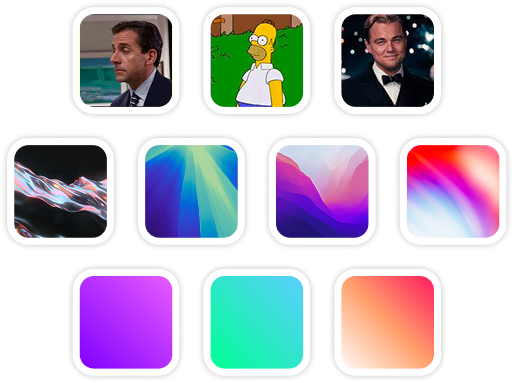
Custom Backgrounds
Use solid colors, gradients, images, even GIFs for your video background.
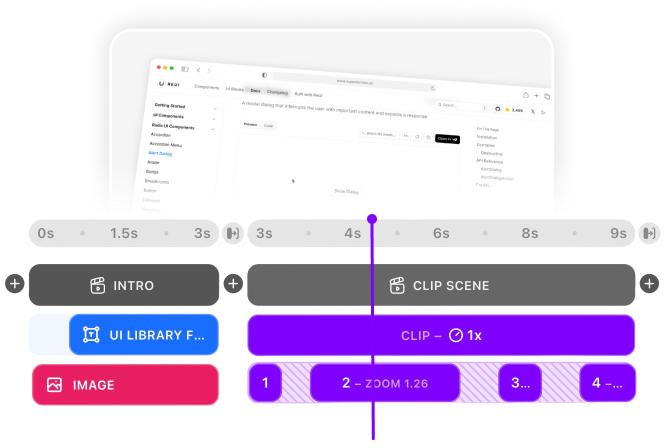
Multi-Scene Editing
Combine multiple clips and scenes with smooth transitions into one polished video.
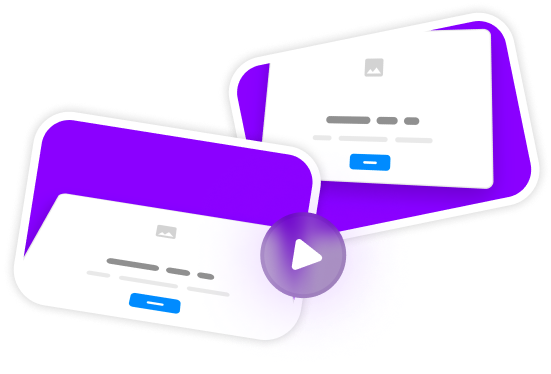
Pre-made Templates
Ready-to-use templates to create professional-looking videos in seconds.
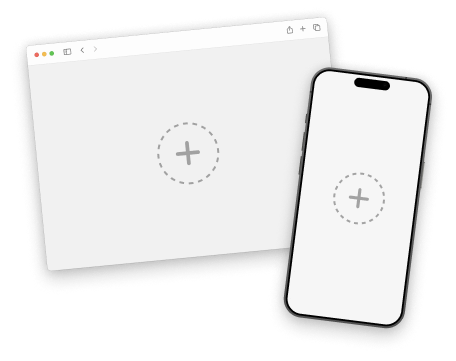
Device Mockups
Wrap your images with device mockups like the Safari Browser & iPhone.
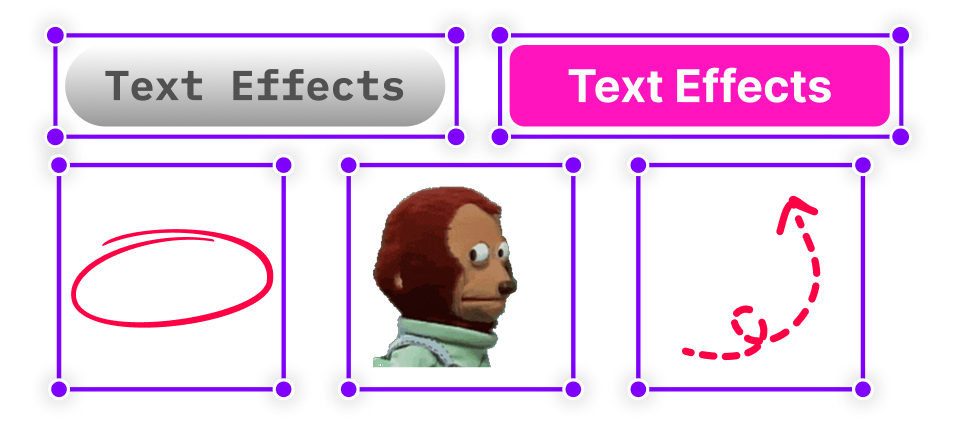
Annotation Layers
Add text, shapes, stickers, and more to highlight key parts of your video.
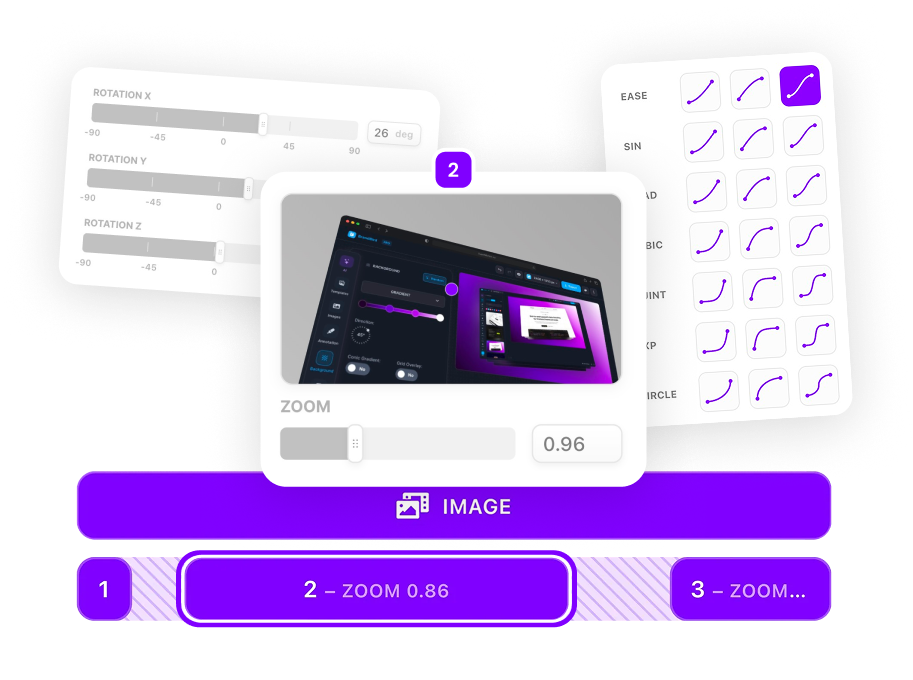
Zoom & Keyframe Animations
Add smooth zoom and pan effects to highlight key features in your screen recordings.
Frequently Asked Questions
How long should changelog videos be?
Keep changelog videos concise—30 seconds to 2 minutes works best. Show the highlights, not every detail. Link to full documentation for more info.
Should I include version numbers?
Yes! Add your version number (e.g., 'v2.5.0') as a text overlay in the intro or as a watermark to help users reference the update.
How often should I make changelog videos?
Create videos for major releases or when you ship user-facing features. Minor bug fixes don't usually need video content.
How do I create release notes videos?
Structure your video by feature: use scenes for each update, add clear headings, and show each feature in action. End with a summary scene listing all changes and linking to full release notes.
Can I automate changelog video creation?
While SuperMotion doesn't auto-generate videos, our template system speeds up the process. Create a changelog template with your branding, then duplicate and update content for each release.
What's the best way to share changelog videos?
Embed in your changelog page, share on Twitter/X for visibility, include in release notification emails, and post in your community. Short clips work great as in-app announcement banners.
Should changelog videos have narration?
Text overlays work better for quick consumption—users can scan without sound. If your updates are complex, consider a voiceover version for your YouTube channel alongside the silent social version.
How do I maintain consistency across changelog videos?
Create a changelog template with your intro scene, branded colors, and consistent text styles. Duplicate this template for each release and just swap out the demo content.
.png)