Create Product Videos for Social Media
Turn boring screen recordings into scroll-stopping content for any platform.
How It Works
Upload your content
Import your screen recording, product demo, or screenshot.
Choose platform dimensions
Select preset dimensions for Instagram (1:1, 9:16), Twitter (16:9), or custom.
Add engaging elements
Enhance with text callouts, stickers, animations, and branded backgrounds.
Export optimized video
Render in perfect quality for your target social platform.
Beautiful Templates
Hand-crafted templates for X (former Twitter), Dribbble mockup shots, product demos, and newsletters.
Unique Features
The easiest way to create beautiful product videos from images & screen-recordings.
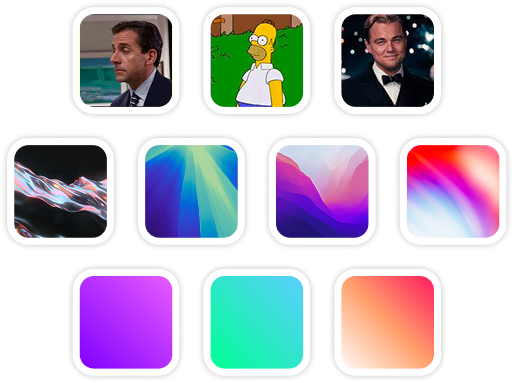
Custom Backgrounds
Use solid colors, gradients, images, even GIFs for your video background.
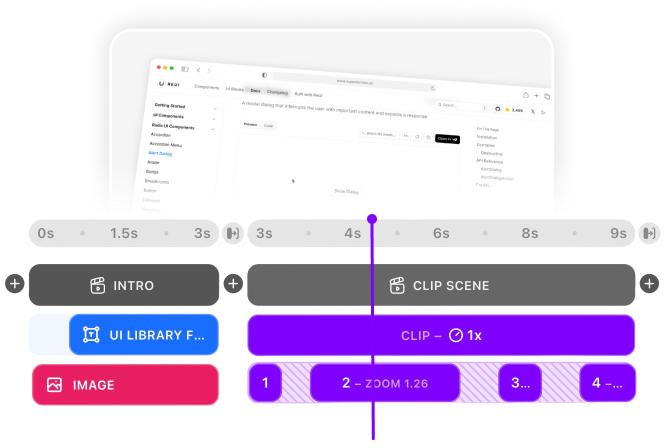
Multi-Scene Editing
Combine multiple clips and scenes with smooth transitions into one polished video.
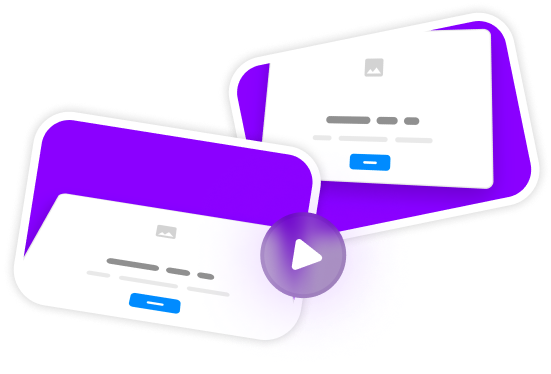
Pre-made Templates
Ready-to-use templates to create professional-looking videos in seconds.
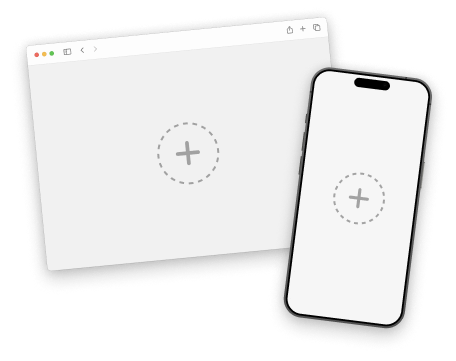
Device Mockups
Wrap your images with device mockups like the Safari Browser & iPhone.
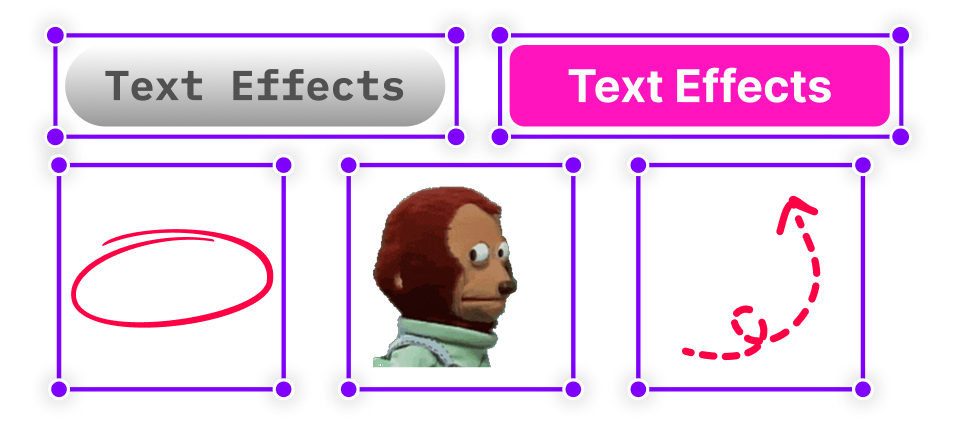
Annotation Layers
Add text, shapes, stickers, and more to highlight key parts of your video.
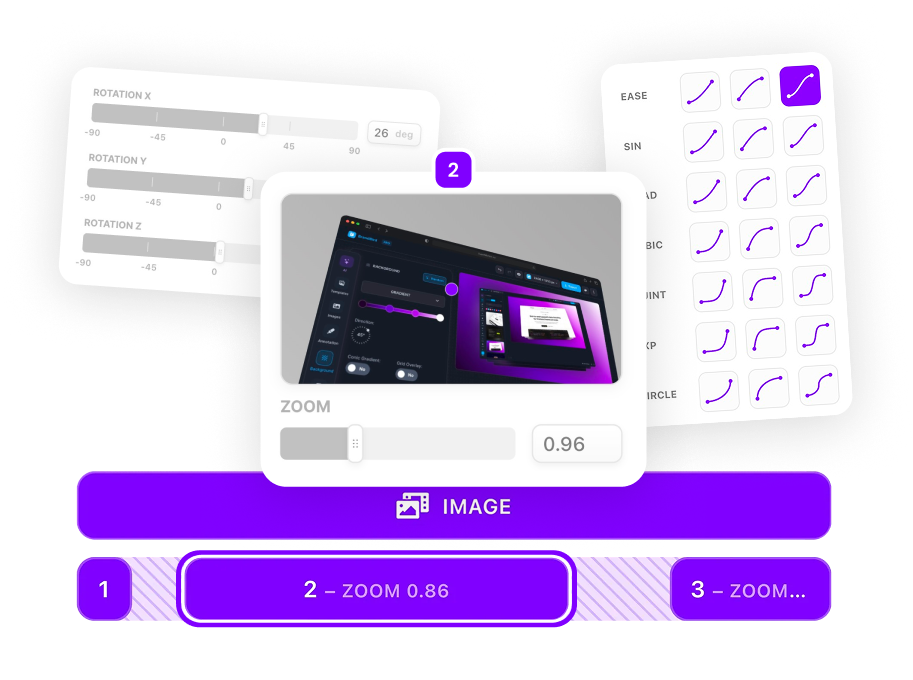
Zoom & Keyframe Animations
Add smooth zoom and pan effects to highlight key features in your screen recordings.
Frequently Asked Questions
What dimensions are supported?
SuperMotion supports all major aspect ratios: 16:9 (YouTube, Twitter), 9:16 (TikTok, Reels, Stories), 1:1 (Instagram feed), 4:5 (Instagram portrait), and custom dimensions.
Can I add my brand colors?
Yes! Customize backgrounds with solid colors, gradients, or custom images. Use your exact brand hex codes for perfect consistency.
How do I make videos more engaging?
Add text callouts, animated stickers, zoom effects, and professional transitions. SuperMotion includes templates optimized for social engagement.
What's the best video length for social media?
TikTok and Reels: 15-30 seconds performs best. Twitter/X: under 60 seconds. LinkedIn: 30 seconds to 2 minutes for B2B content. Always hook viewers in the first 3 seconds.
How do I repurpose one video for multiple platforms?
Create your master video in 16:9, then use SuperMotion's dimension presets to quickly export 1:1 and 9:16 versions. Adjust text positioning and zoom levels for each format.
Should I add music to my product videos?
Music increases engagement but most social videos autoplay muted. Focus on visual storytelling first, add captions, then layer in royalty-free music as enhancement—not dependency.
How do I create thumb-stopping content?
Start with motion in the first frame—don't begin with a static screen. Use bold text overlays, bright accent colors, and immediate value. Show the outcome before the process.
Can I schedule posts directly from SuperMotion?
SuperMotion focuses on video creation. Export your videos and use scheduling tools like Buffer, Hootsuite, or native platform schedulers. We optimize for quality exports that look great anywhere.
.png)