Create Browser Mockup Videos
for Your SaaS
Wrap your screen recordings in beautiful browser frames—Safari, Chrome, iPhone and more.
How It Works
Upload screen recording
Import your SaaS demo or product walkthrough video.
Choose a browser mockup
Select from Safari, Chrome, or Modern browser frames in light or dark theme.
Customize the URL bar
Add your website URL to the browser address bar for authenticity.
Export professional video
Render your video with the sleek browser frame included.
Beautiful Templates
Hand-crafted templates for X (former Twitter), Dribbble mockup shots, product demos, and newsletters.
Unique Features
The easiest way to create beautiful product videos from images & screen-recordings.
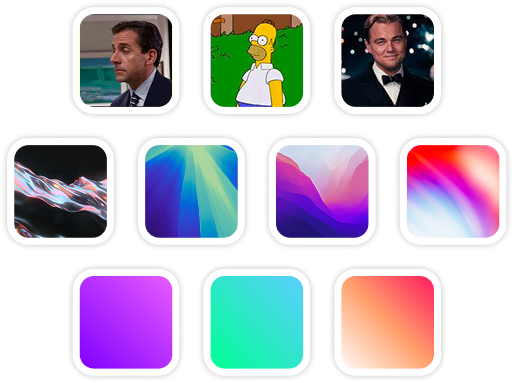
Custom Backgrounds
Use solid colors, gradients, images, even GIFs for your video background.
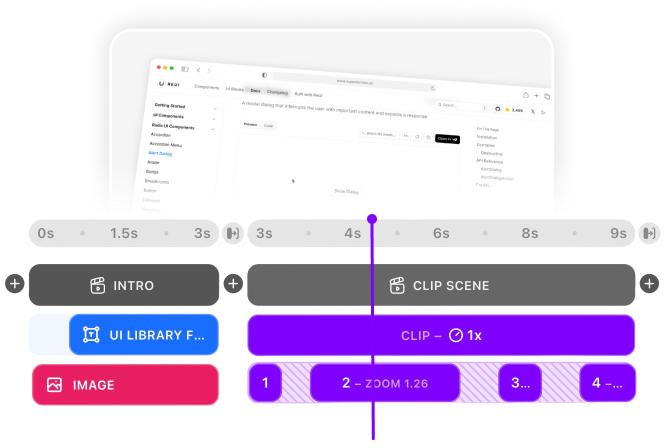
Multi-Scene Editing
Combine multiple clips and scenes with smooth transitions into one polished video.
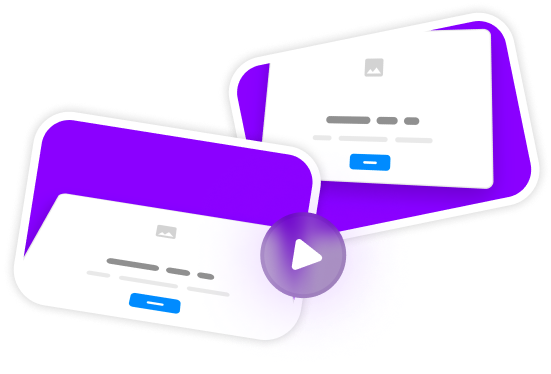
Pre-made Templates
Ready-to-use templates to create professional-looking videos in seconds.
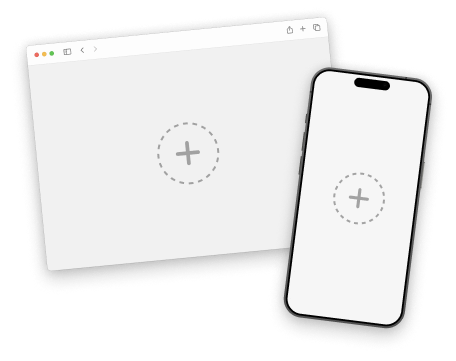
Device Mockups
Wrap your images with device mockups like the Safari Browser & iPhone.
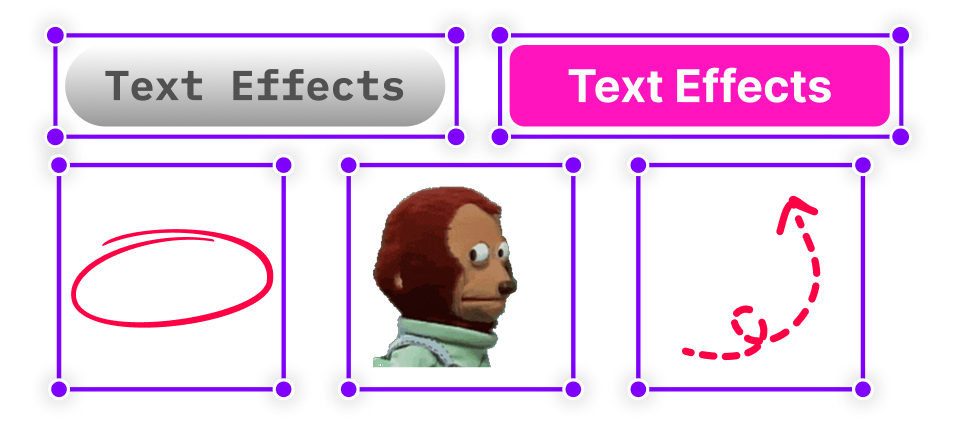
Annotation Layers
Add text, shapes, stickers, and more to highlight key parts of your video.
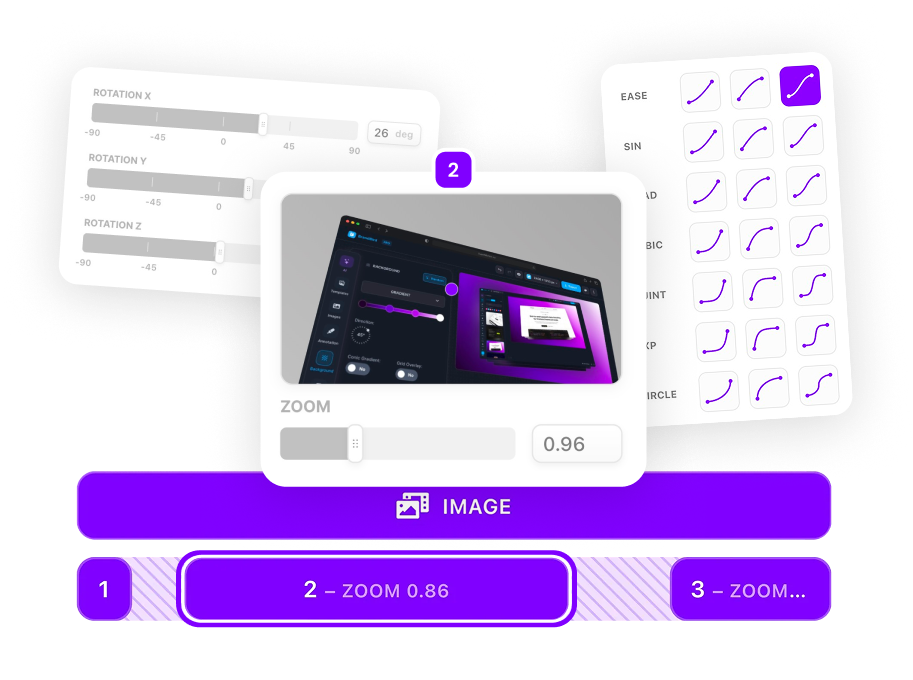
Zoom & Keyframe Animations
Add smooth zoom and pan effects to highlight key features in your screen recordings.
Frequently Asked Questions
What browser mockups are available?
SuperMotion offers Safari, Chrome, and Modern minimal browser frames. Each comes in both light and dark themes to match your brand.
Can I customize the browser URL?
Yes! You can display any URL in the browser address bar to show your actual website domain.
Do mockups work with any video size?
Yes, the browser mockups automatically adapt to your video's aspect ratio while maintaining proper proportions.
How do I make my SaaS demo look more professional?
Browser mockups instantly elevate your screen recordings. Add a gradient or branded background behind the mockup, use subtle shadow effects, and include your logo watermark for a polished, marketing-ready look.
Should I use Safari or Chrome mockup for my demo?
Safari mockups have a cleaner, minimal look popular with design-focused products. Chrome mockups are more recognizable to enterprise users. Choose based on your target audience—or create versions with both!
Can I animate the browser mockup?
Yes! Apply zoom and pan animations to create dynamic demos. Start zoomed out showing the full browser, then zoom into specific features. The mockup frame moves with your content.
What background works best with browser mockups?
Gradient backgrounds in your brand colors look professional. For a modern look, try subtle mesh gradients. Solid colors work well for minimalist aesthetics. Avoid busy backgrounds that distract from your product.
.png)