Add Annotations to Screen Recordings
Point viewers to exactly what matters—highlight with arrows, shapes, stickers, and text.
How It Works
Upload your screen recording
Import your tutorial or product demo video.
Choose your annotation type
Add arrows, shapes (circles, rectangles), stickers, or text from the '+' menu.
Position and style
Drag to position, resize, rotate, and customize colors to match your brand.
Time the appearance
Set when each annotation appears and disappears using the timeline.
Beautiful Templates
Hand-crafted templates for X (former Twitter), Dribbble mockup shots, product demos, and newsletters.
Unique Features
The easiest way to create beautiful product videos from images & screen-recordings.
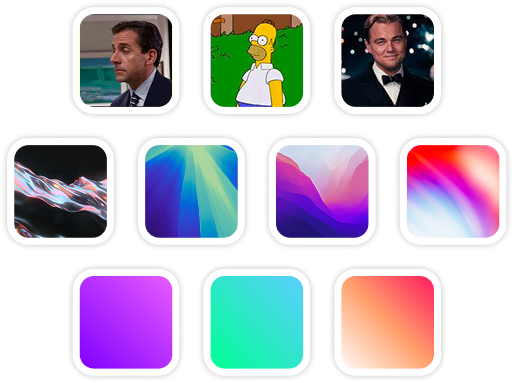
Custom Backgrounds
Use solid colors, gradients, images, even GIFs for your video background.
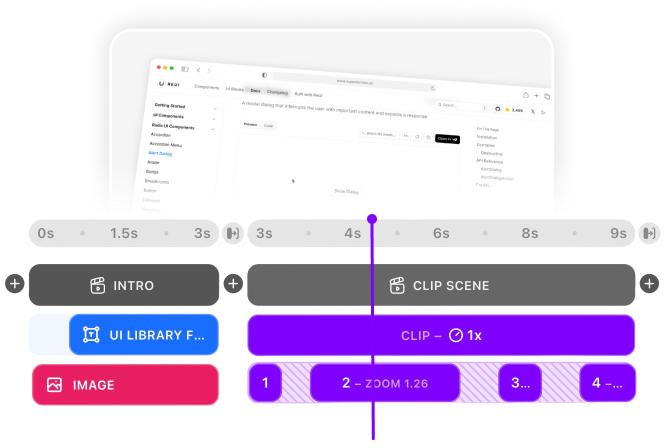
Multi-Scene Editing
Combine multiple clips and scenes with smooth transitions into one polished video.
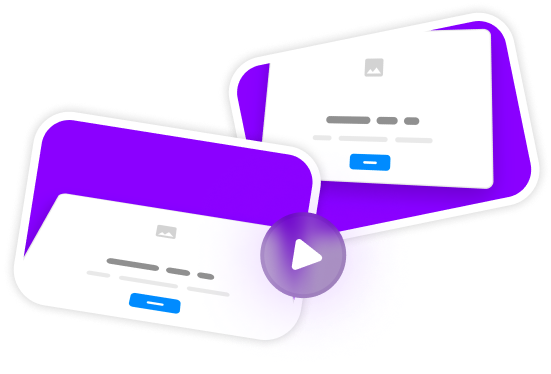
Pre-made Templates
Ready-to-use templates to create professional-looking videos in seconds.
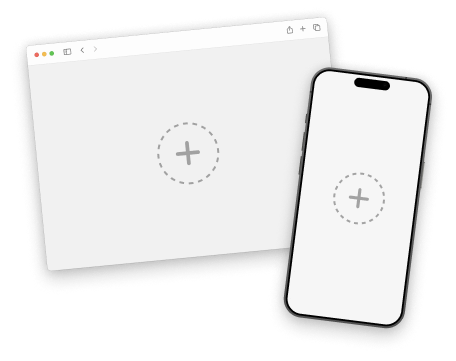
Device Mockups
Wrap your images with device mockups like the Safari Browser & iPhone.
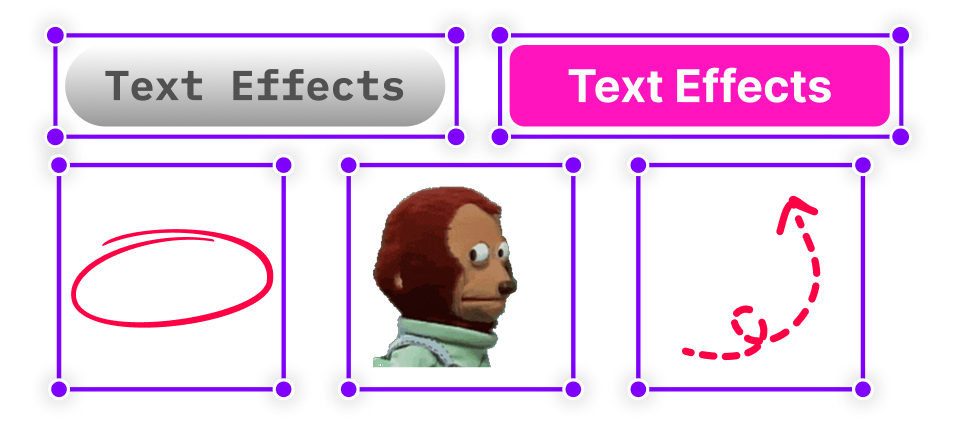
Annotation Layers
Add text, shapes, stickers, and more to highlight key parts of your video.
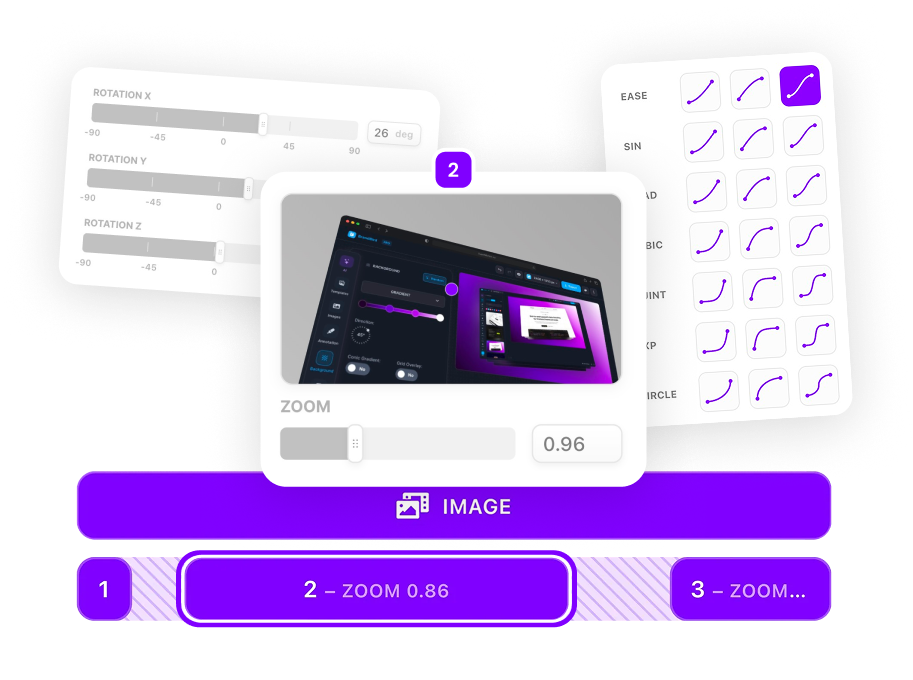
Zoom & Keyframe Animations
Add smooth zoom and pan effects to highlight key features in your screen recordings.
Frequently Asked Questions
What annotation types are available?
SuperMotion offers arrows, shapes (circles and rectangles), animated stickers, and text annotations. Each can be fully customized and timed independently.
Do annotations animate in?
Absolutely! All annotations can fade in, bounce, scale, or slide into view. You control the animation style and timing for maximum impact.
Can I use multiple annotations at once?
Yes! Add as many annotation layers as you need. Each can be positioned, timed, and styled independently to create engaging tutorials.
How do I draw arrows pointing to UI elements?
Add an arrow layer, drag to position the start and end points, customize the color and thickness, then set when it should appear on the timeline. Arrows can animate in with smooth motion.
Can I highlight buttons and form fields?
Yes! Use rectangle annotations to highlight buttons, input fields, or any rectangular UI element. Use circle annotations to draw attention to icons or specific points of interest.
How do I add callout boxes to my videos?
Combine a text layer with a shape annotation as a background. Position the shape behind your text, match colors to your brand, and animate them together for professional callout boxes.
Can I use GIFs and animated stickers?
SuperMotion supports animated stickers for reactions, celebrations, and visual flair. Add emojis, animated icons, and custom stickers that bring energy to your annotations.
How do I time annotations with my narration?
Use the timeline to set precise start and end times for each annotation. Play your video, pause at the right moment, and add annotations that sync perfectly with your voiceover or on-screen action.
.png)